Wave your hands
and make some music.
Zephyrin Control maps your hand position across your phone in real time — no additional hardware, no cables, no controller. Open the app, point your camera, and play. Audio, MIDI, effects, all built in. It's a breeze!
iPhone or iPad · Face ID or LiDAR recommended · Free to play, upgrades for pros
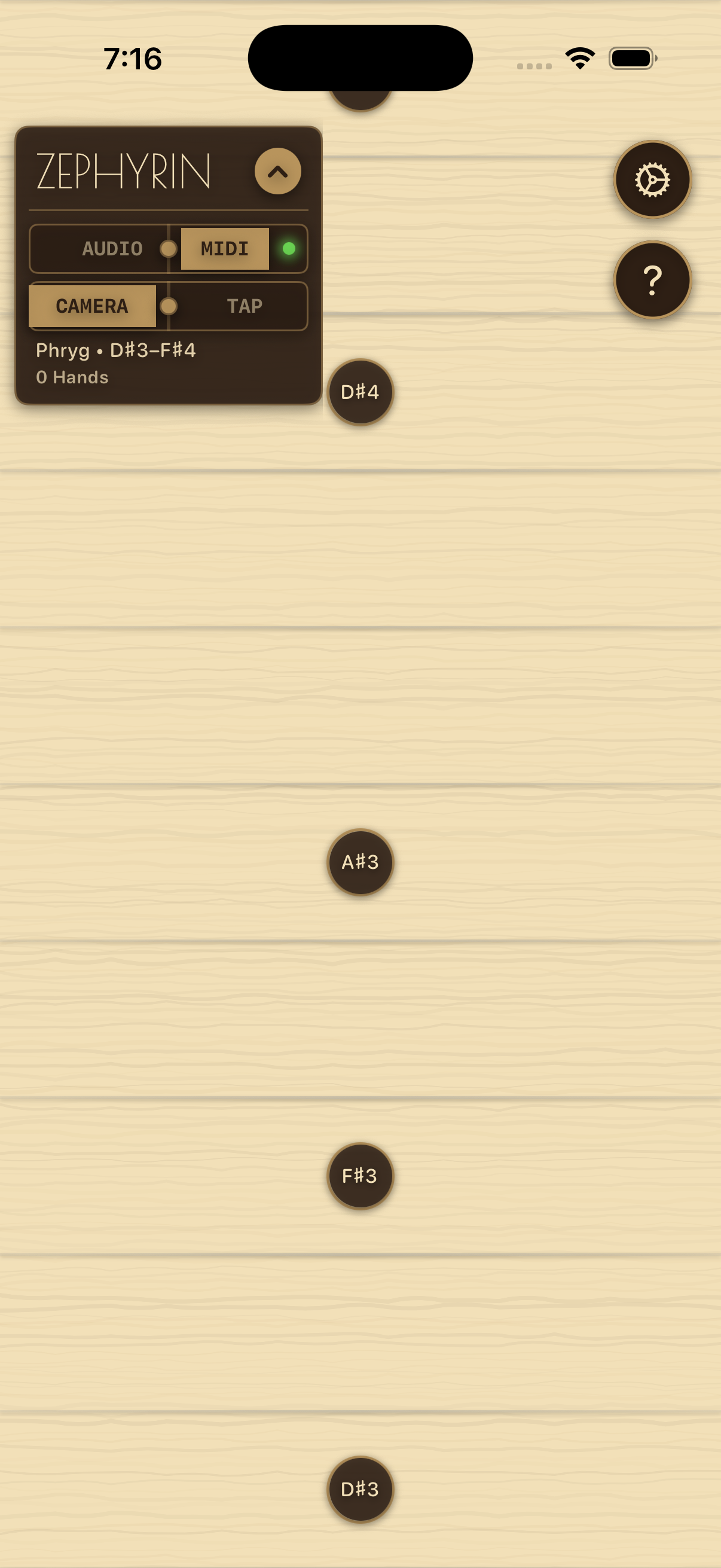
Gesture meets music.
Watch how Zephyrin Control maps your hand position across the fret grid into live MIDI notes, in real time.
Demo video coming soon — set youtubeID in hugo.toml
16 : 9 · 880 × 495 px
Find your fit.
Every tier connects to any CoreMIDI app or hardware synth. No hidden fees, cancel anytime.
Free
Start playing immediately. Use the built-in synth or connect to any CoreMIDI app or external device.
- 1 hand tracked
- MIDI & Audio mode with built-in synth
- Pentatonic scale
- Per-pitch aftertouch
- VEL & MOD real-time controls
- CoreMIDI, hardware & network MIDI output
Pro
Full expressive control — scales, chords, and advanced synth shaping.
- Up to 4 hands tracked simultaneously
- Choose any scale and key
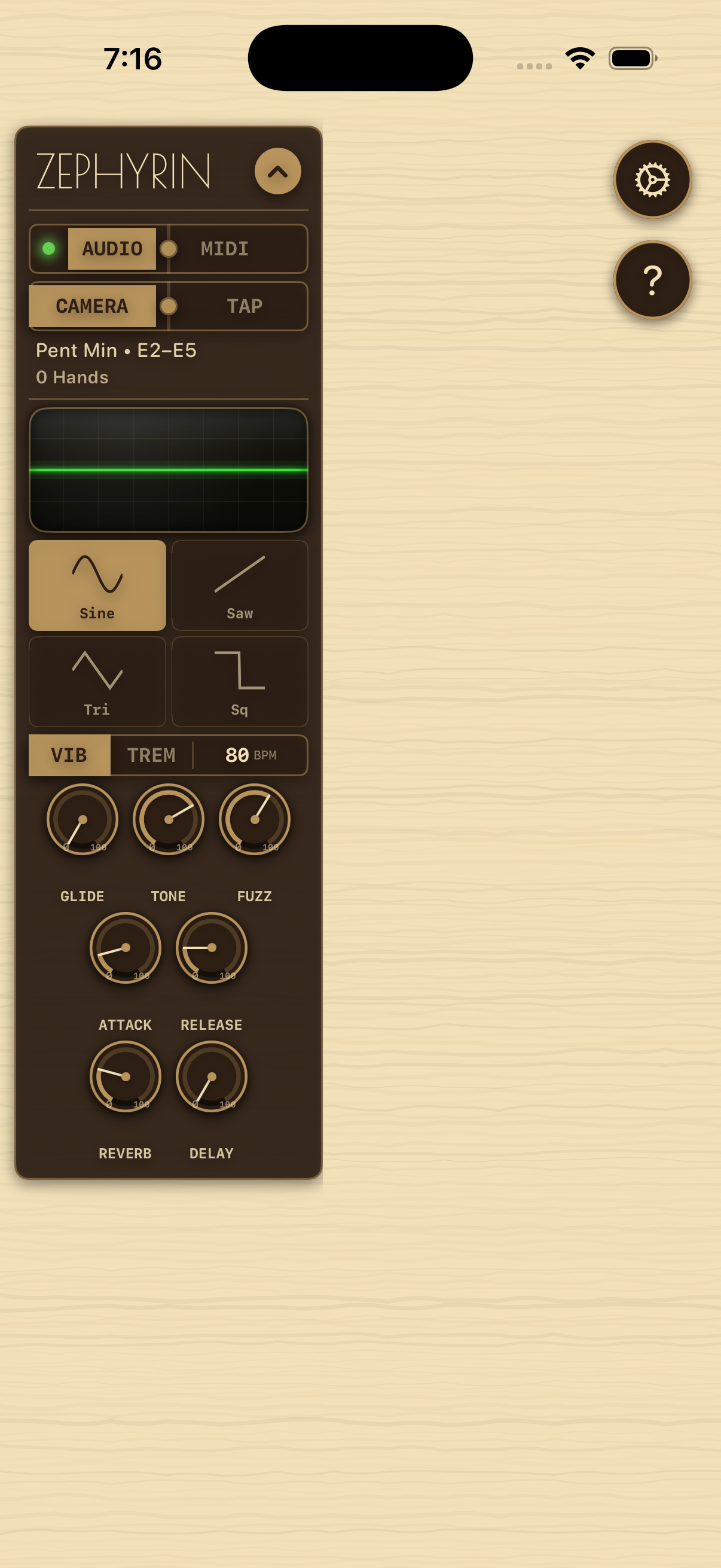
- Built-in 4-waveform polyphonic synth
- All chromatic, modal & pentatonic scales
- Per-hand MIDI channel routing
- Synth glide/portamento & attack/release envelope
- Advanced VEL & MOD mapping
Creator
The full instrument — advanced face and body tracking, multiple routing options. Sophisticated real-time motion tracking for one-of-a-kind performance opportunities.
Three gestures.
Infinite music.
Zephyrin Control (thanks to Apple's Vision framework) tracks your hand position and maps it based on your selections. Three simple gestures give you complete expressive control.
Use the built-in synth in Audio mode, or switch to MIDI mode and connect to GarageBand, AUM, Loopy Pro, or any CoreMIDI-compatible app or hardware synth. The only limitation is your creativity.
Move up and down to change pitch
Move left and right to control velocity & aftertouch
Extend fingers to send modulation & amplitude
Common questions.
Everything you need to get started making music with Zephyrin.
What do I need to use Zephyrin Control?
Zephyrin Control works on any **iPhone or iPad running iOS 16 or later**. For the best tracking accuracy, a device with …
How do I hear sound?
Zephyrin Control has two modes, selectable with the toggle at the top of the instrument screen: **Audio mode** uses the …
What's the difference between the subscription tiers?
**Free** gives you one-hand tracking over the pentatonic scale — a fully functional instrument, forever free. Includes …
Does it work with hardware synthesizers?
Yes — Zephyrin Control outputs standard CoreMIDI, which you can route to hardware synths in two ways: **Network MIDI …